
Releases
January 9, 2026
My Plan PDF Export
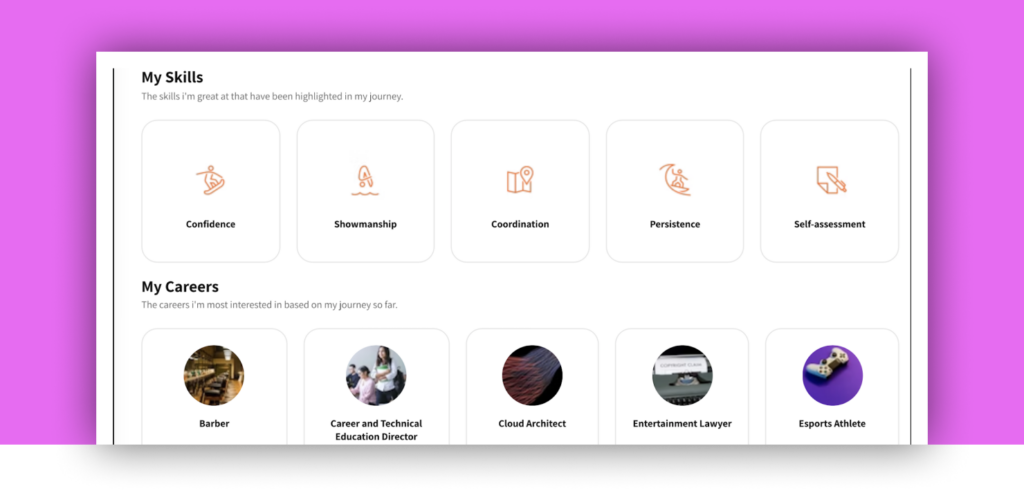
Student Plans can now be downloaded and printed, making them easy to share for counseling, family conversations, and compliance needs beyond the platform.
December 16, 2025
Career Cluster Report
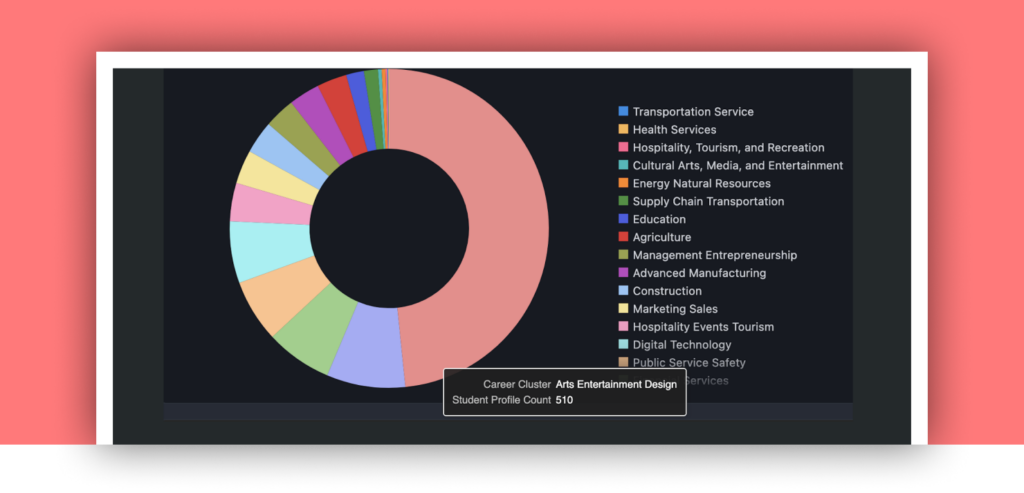
Educators can now filter this report by grade band to see career cluster alignment and better align planning to what students are actually showing interest in.
November 21, 2025
Reflection Coach
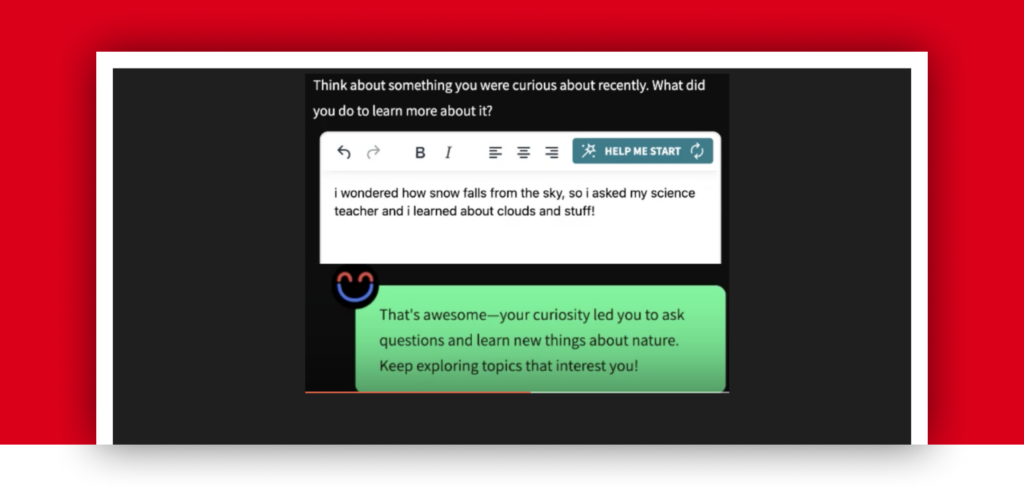
Real-time, AI-powered feedback helps students meaningfully engage with reflection questions by prompting thoughtful revisions when responses don’t address the prompt – strengthening learning without blocking progress.
November 13, 2025
Chromebook-friendly Navigation
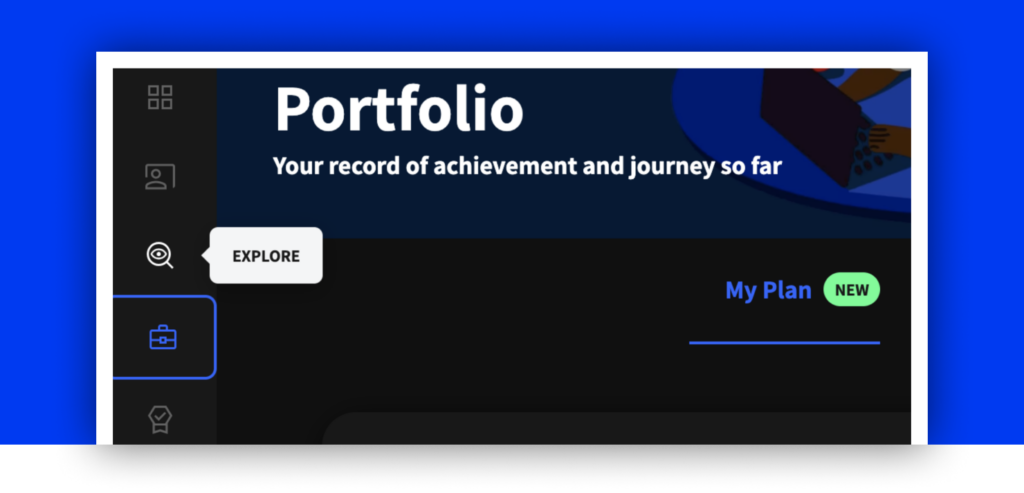
Class navigation has been redesigned so key links are always visible on smaller screens, with new icons for faster recognition and a cleaner experience.
October 17, 2025
Student Profile Report
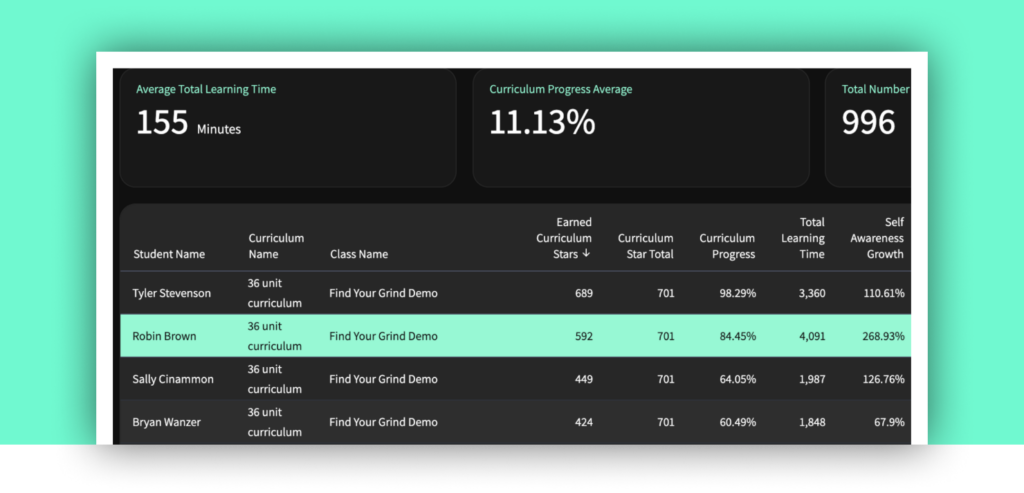
A new Future Spark report that brings each student’s progress, growth, engagement, and future-ready indicators into one clear, exportable snapshot.
October 2, 2025
Sentence Starters
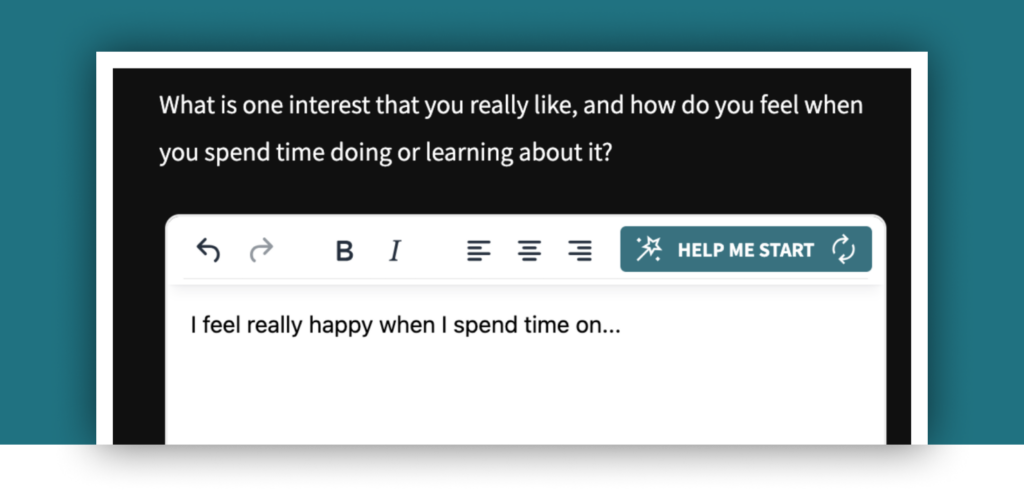
A new “Help me start” button provides guided sentence starters on reflection questions, helping students begin writing and produce more thoughtful, meaningful responses.
September 25, 2025
Custom State Career Cluster frameworks

Find Your Grind now maps its national clusters to state-specific frameworks, ensuring students and educators see compliant, locally recognized career pathways across Explore and My Plan.
September 24, 2025
Assignment Badges
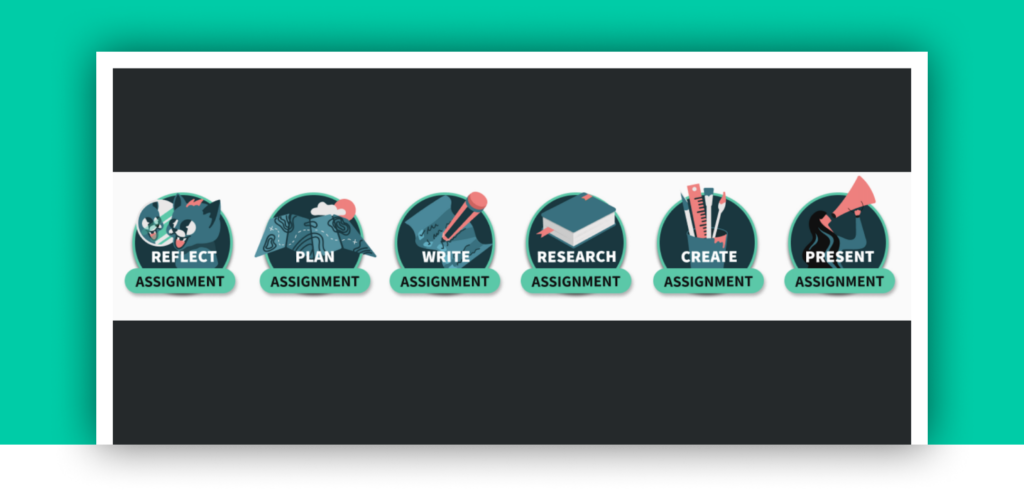
Six new assignment types plus Manual Turn-In and Request Retake features now support true blended learning – letting students earn credit for offline work while giving educators better control over revisions and mastery.
September 24, 2025
Academy Access for All
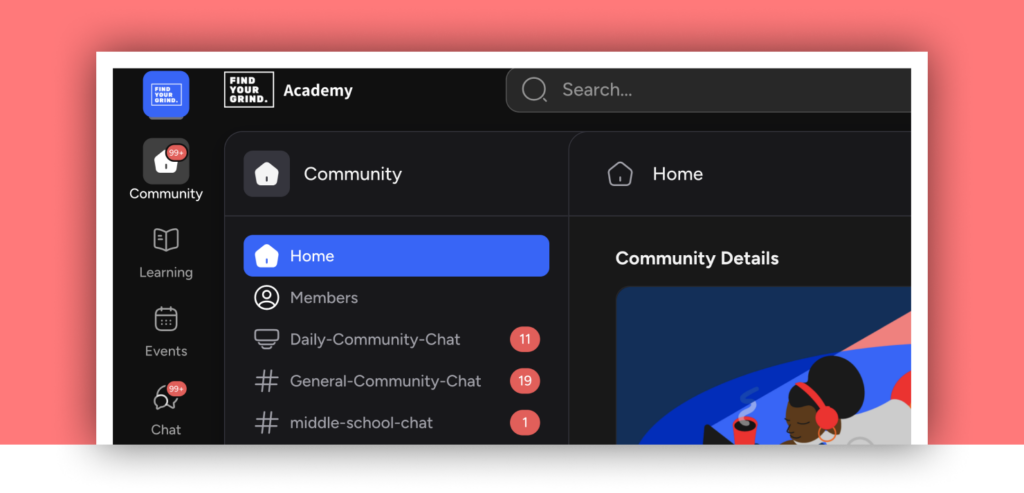
All educators now have access to the Find Your Grind Academy community, resources, and updates, while on-demand professional development courses remain exclusive to PD partners.
August 6, 2025
Career Cluster Recommendations

After reaching key milestones, students unlock a personalized Career Cluster – turning their interests, skills, and lifestyle fit into a clear, actionable next step on their ‘My Plan.’
July 1, 2025
Student Lesson Experience

A focused, full-screen lesson experience with clear progress indicators, star tracking, and celebrations that help students stay engaged and master one lesson at a time.
June 13, 2025
Career Cluster Filtering

Students and teachers can now filter Careers and Mentors in Explore by Career Cluster, aligning discovery with the National Career Clusters Framework and existing Explore filters.
June 13, 2025
Lesson-level Student Responses
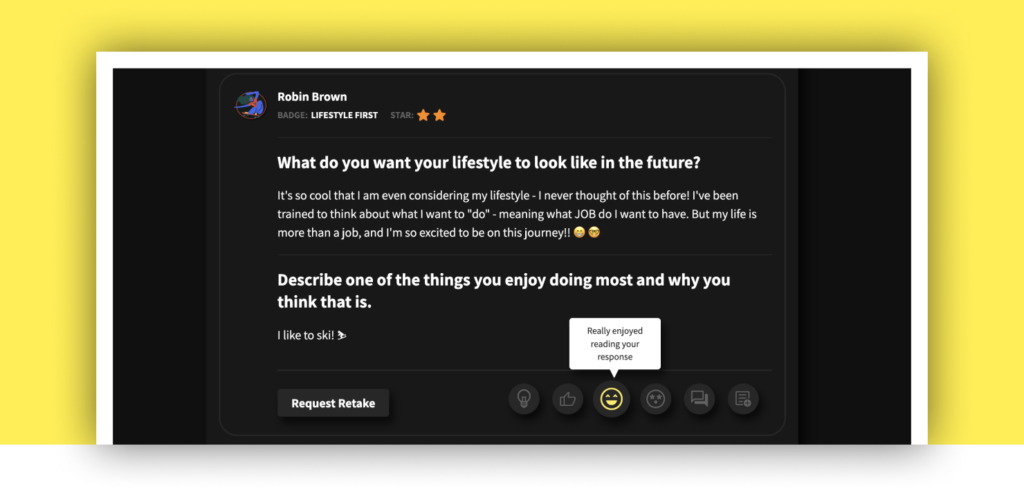
Teachers can now view all student notebook entries for a lesson in one place, with unread counts and emoji feedback – eliminating the need to open notebooks one by one.
June 4, 2025
Formative Assessment Evolution

Feedback now appears after students complete the entire quiz, with stars awarded only when a mastery threshold is met – encouraging commitment, reflection, and deeper learning over guess-and-check.
April 3, 2025
Explore Interest Feedback
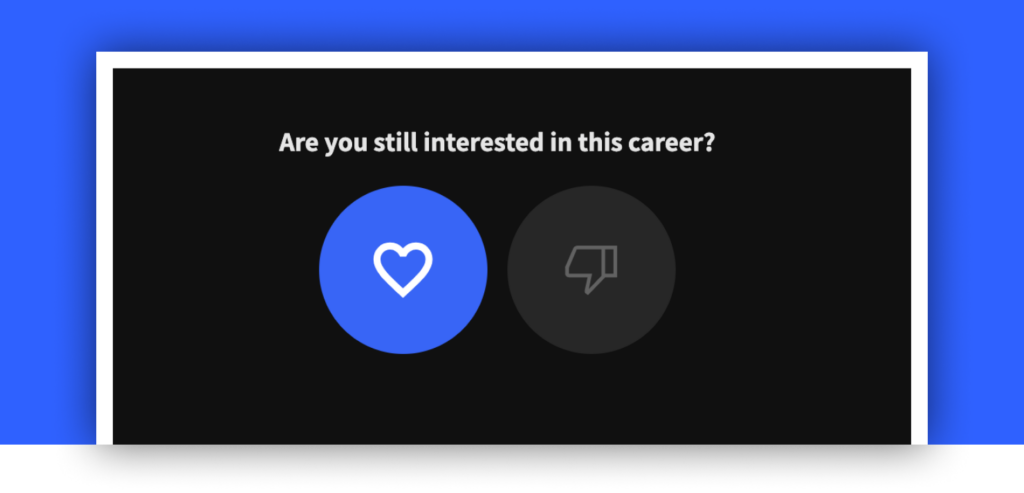
After exploring a career, skill, or mentor badge, students reflect on whether it’s a good fit for them – providing clearer signals to power more relevant, personalized recommendations.
March 12, 2025
Educator Lesson Experience
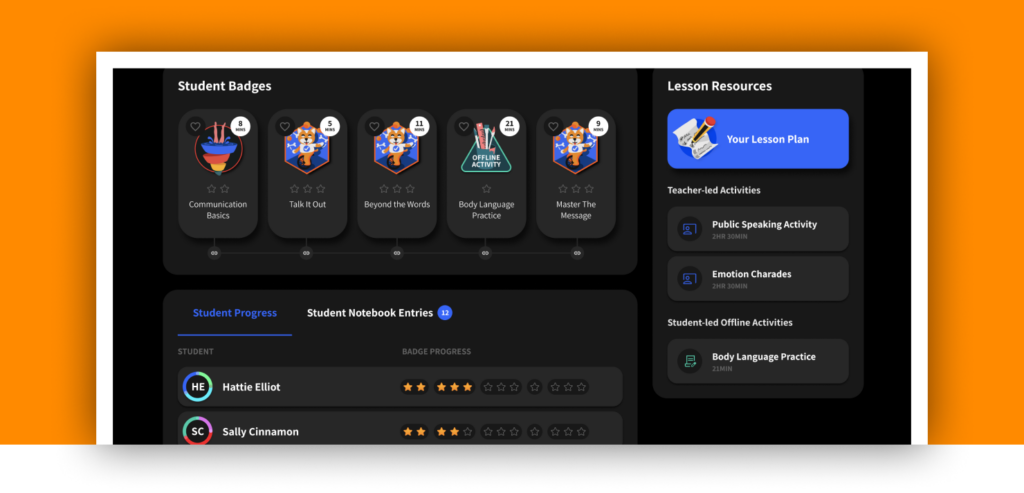
A clearer, full-screen lesson experience in Classwork that improves lesson visibility, student progress tracking, and educator control over when lessons are available.
February 13, 2025
Student Plans

A centralized, student-driven planning experience that aligns with state requirements while helping students set goals, track progress, and showcase evidence of future readiness – all in one place.
December 13, 2024
Interactive Images and Drag-and-Drop Activities

New interactive learning experiences require hands-on student engagement to progress, turning static content into active practice with mastery-based progression.
December 12, 2024
Digital Micro-credentials
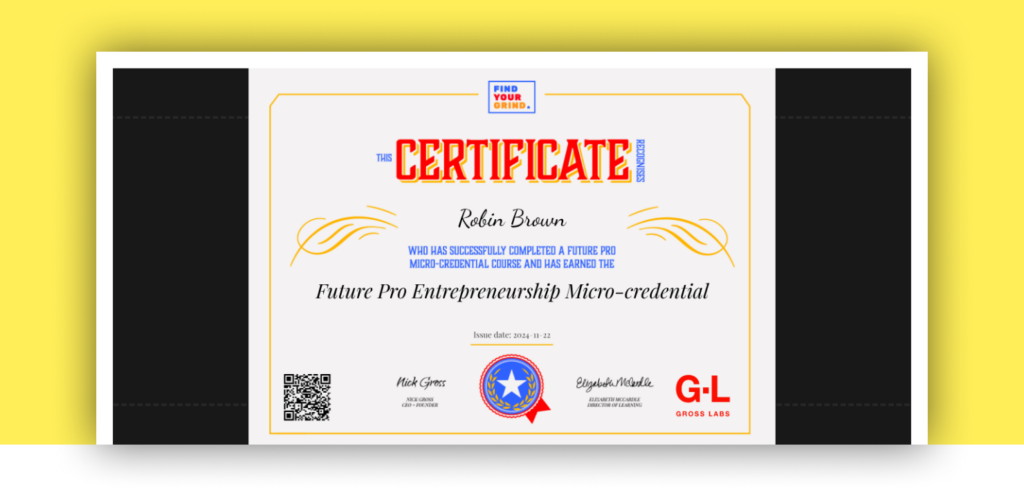
Future Pro certificates are now permanent, verifiable URLs that students can share, add to LinkedIn, or download
December 9, 2024
File Uploads
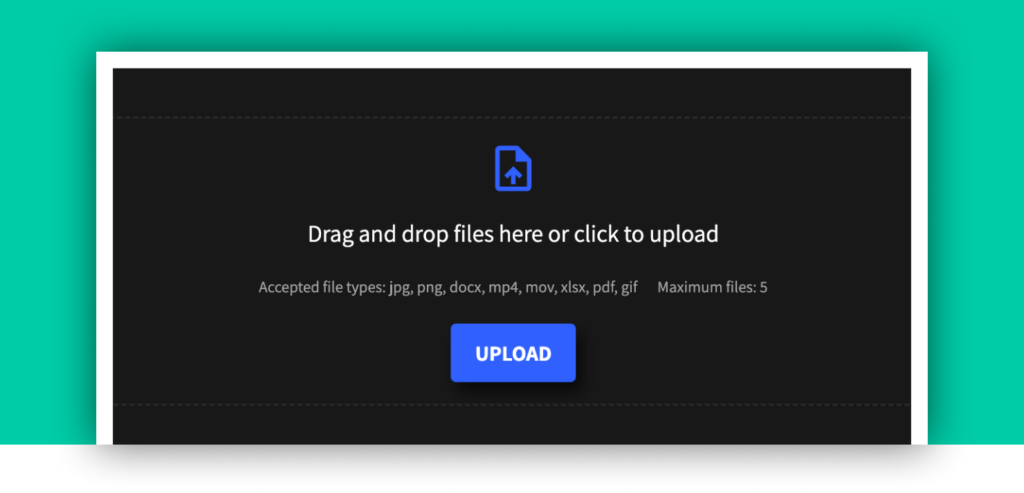
Students can now submit files, written responses, or both to demonstrate learning – powering graded micro-credentials in Future Pro and unlocking more flexible, student-driven work in Future Ready Students.
October 18, 2024
Adaptive Reading Levels
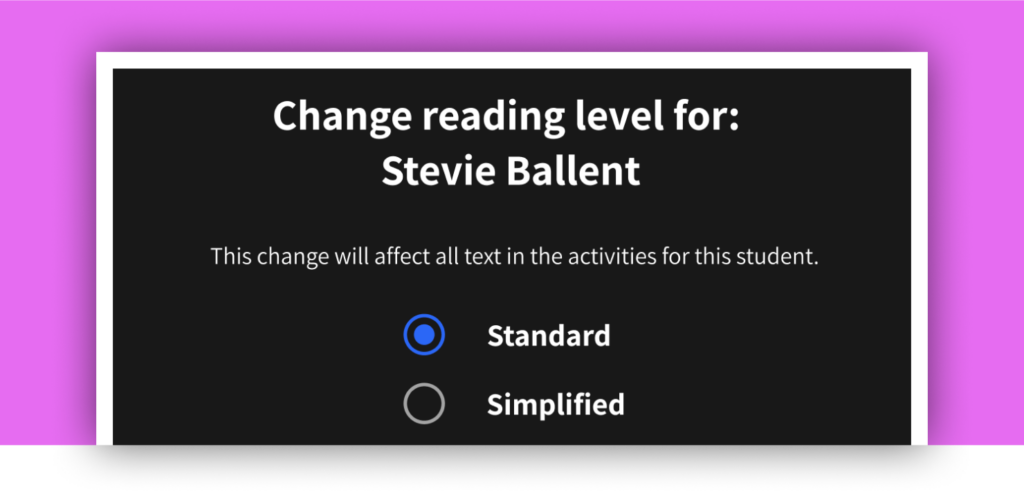
This feature adjusts content to a simplified reading level, helping students who read below grade level better understand and engage with learning materials.
August 9, 2024
Unified Class Scheduler
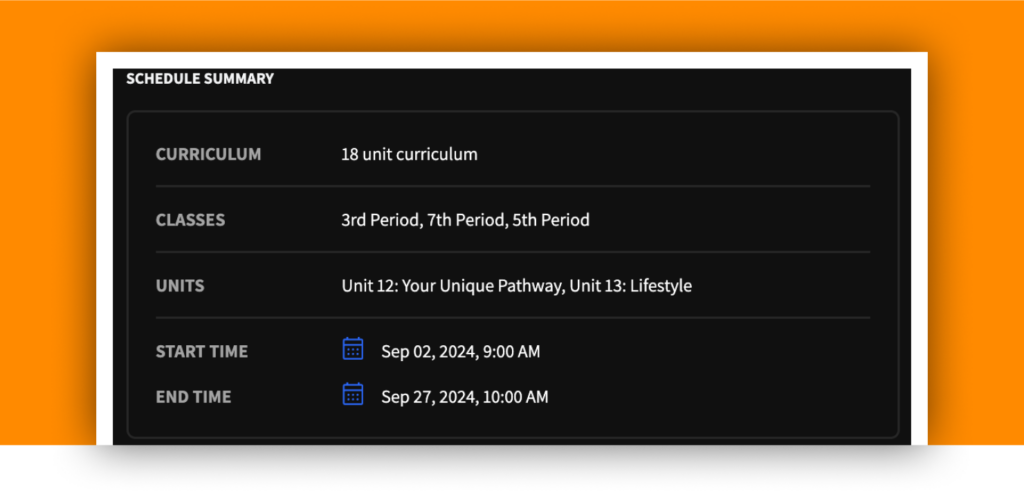
This feature streamlines the process of scheduling multiple classes and units in one go, allowing teachers to efficiently manage their curriculum across various periods.
July 25, 2024
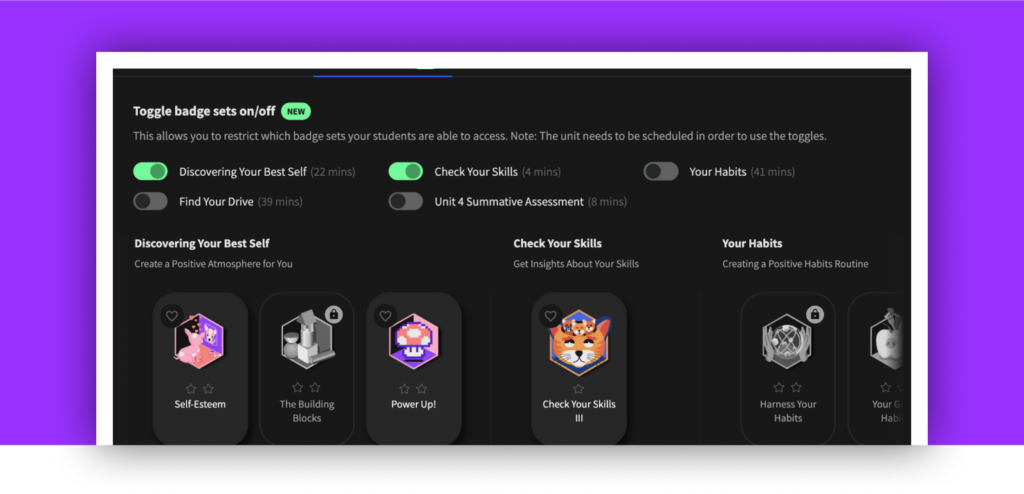
Badge Set Toggling
July 18, 2024
Future Pro Micro-credential Courses
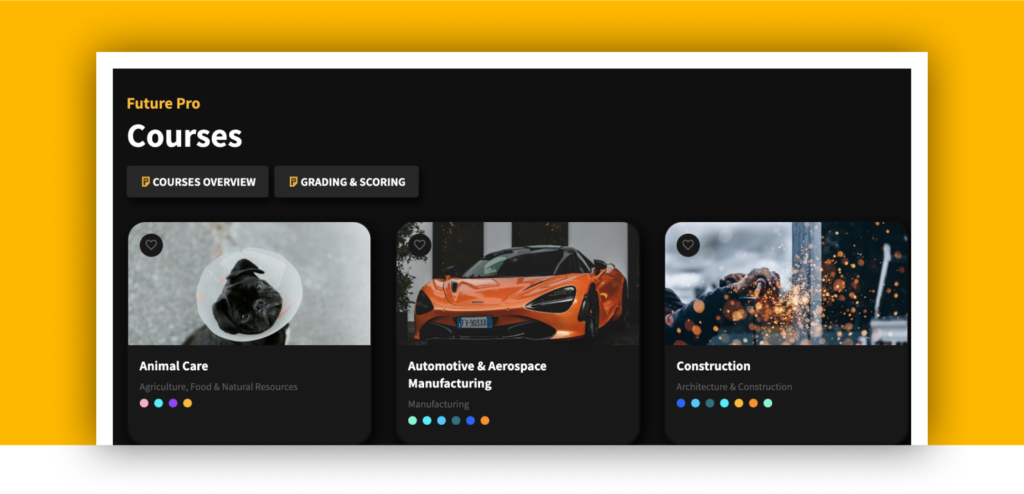
This new product complements Future Ready Students perfectly. The courses are designed to provide career pathway intersection exploration, validation, and an opportunity to showcase industry-specific skills. They offer learners a way to demonstrate their competencies in a specific area, making them more attractive to potential employers.
March 29, 2024
Streamlined Unit Resources
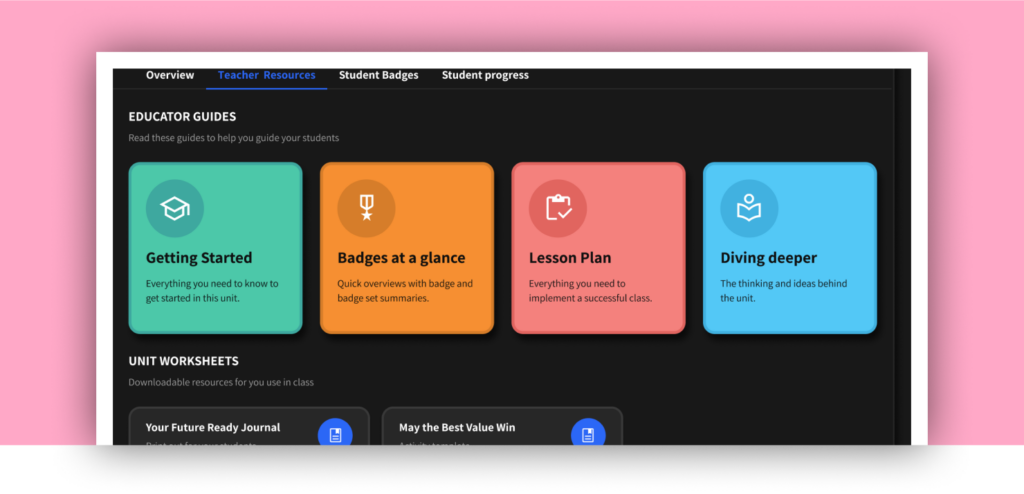
Educators can now easily access essential teaching materials with the addition of four new boxes under each unit’s “Teacher Resources” tab: Getting Started, Badges at a Glance, Lesson Plans, and Diving Deeper. This update eliminates the need for extensive scrolling, allowing educators to quickly find the information they need. The new layout ensures a smoother and more efficient teaching experience.
January 17, 2024
Classwork Redesign
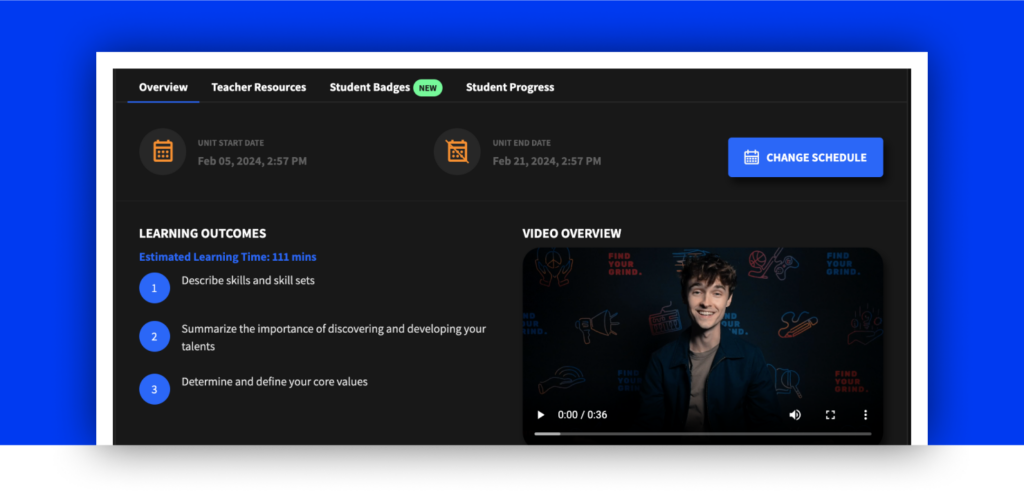
The Classwork page has been redesigned for a more efficient educator experience! Each unit now includes four intuitive tabs—Overview, Educator Resources, Student Badges, and Student Progress—allowing teachers to quickly access the specific information they need without unnecessary scrolling.
December 18, 2023
Text to Speech
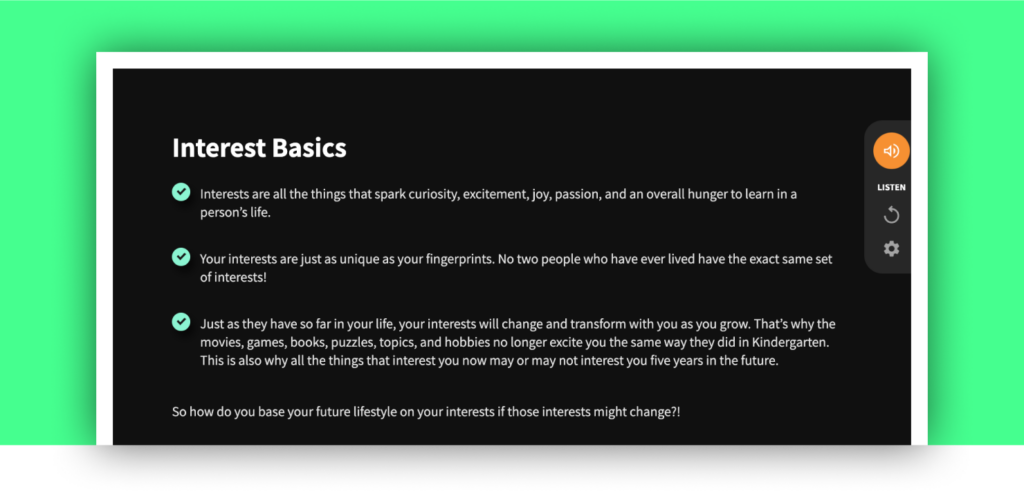
We’re excited to introduce Text-to-Speech across our platform! This feature allows students to listen to content read aloud, providing an inclusive learning experience that supports diverse needs and learning styles. With just a click, students can engage with their course materials in a whole new way, ensuring everyone has the tools they need to succeed.
November 30, 2023
Spanish Language Support
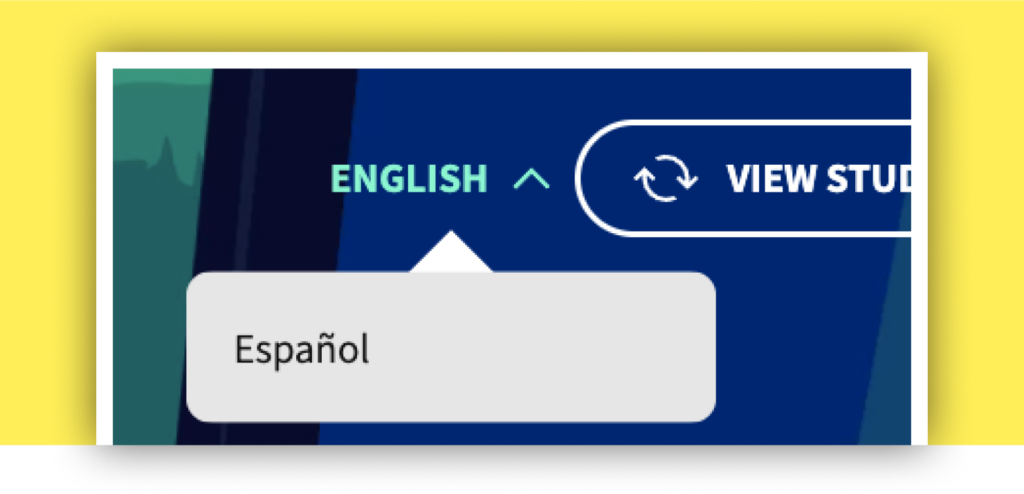
We’ve added Spanish Language Support! Students can now access content in Spanish, ensuring that language is no barrier to learning and engagement. This feature broadens accessibility, allowing Spanish-speaking students to fully benefit from the curriculum in their native language.
September 28, 2023
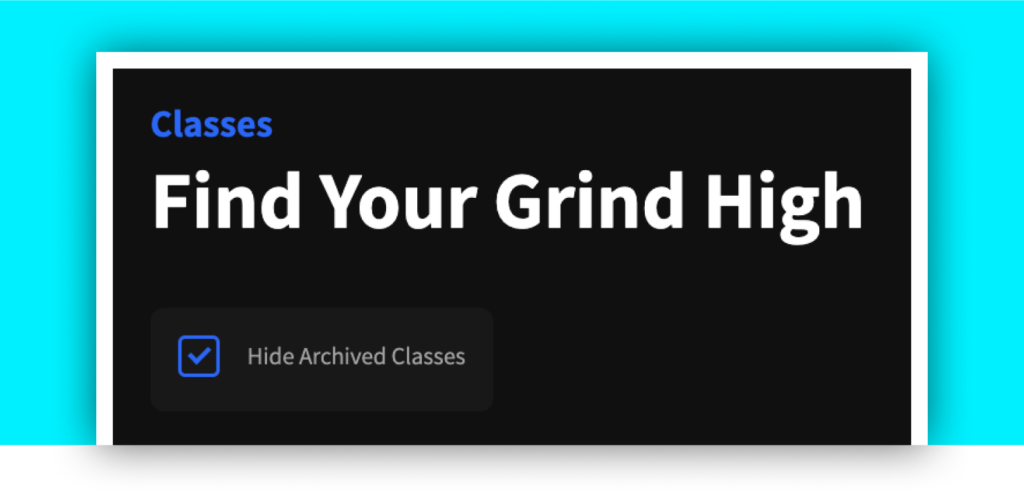
Archived Class Management
August 24, 2023
Student Dashboard
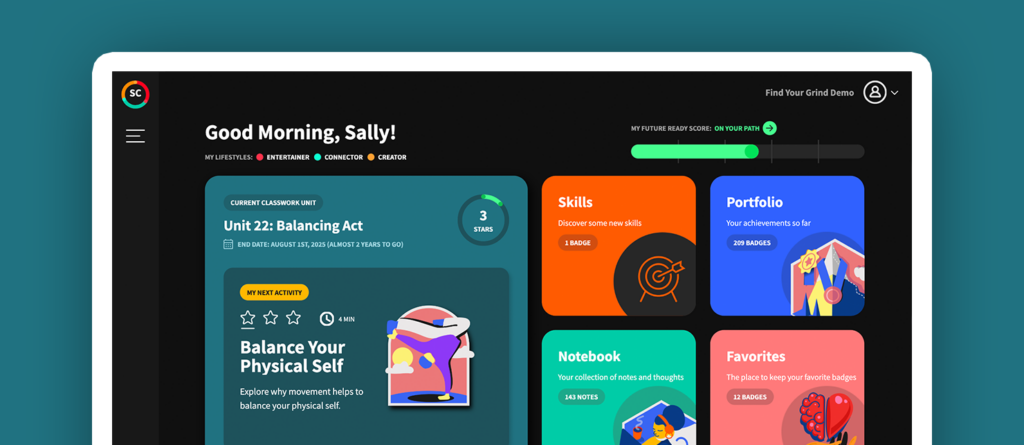
Everything students need, in one place. The new student dashboard allows students to pick up where they left off in their classwork, browse personalized recommendations for careers and mentors based on their lifestyles, and engage with their learning journey in a fun, Gen Z tested and approved approach! Teachers can experience this too by using the “Student Mode” feature available to them!
July 27, 2023
Dynamic Word Clouds
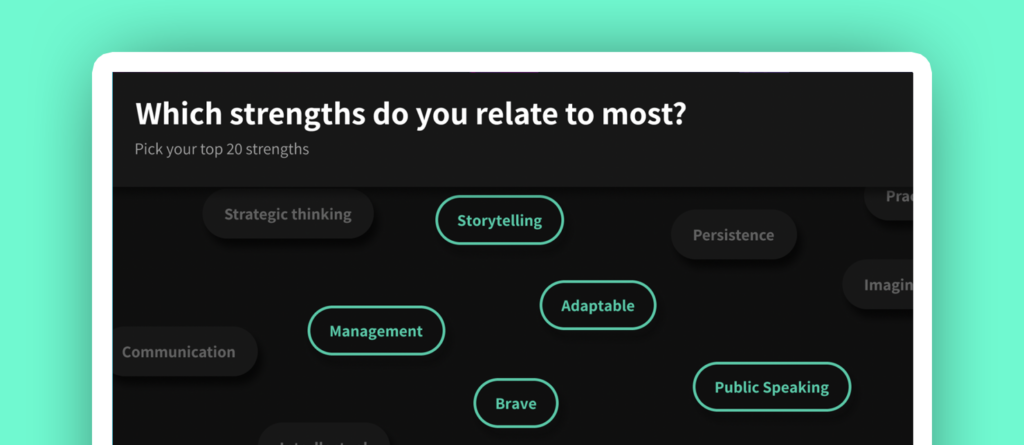
Students now get more interactive learning experiences with this feature release. Narrowing down choices as they self select what’s important to them helps reinforce student reflection. These types of activities are now available throughout the curriculum.
Read about the ‘why’ behind this feature release
May 24, 2023
ClassLink SSO
We now support school districts that use ClassLink Single Sign-On (SSO).
May 4, 2023
Microsoft SSO
We now support school districts that use Microsoft Single Sign-On (SSO).
May 3, 2023
Professional Learning badges exclusively for Future Ready Educators
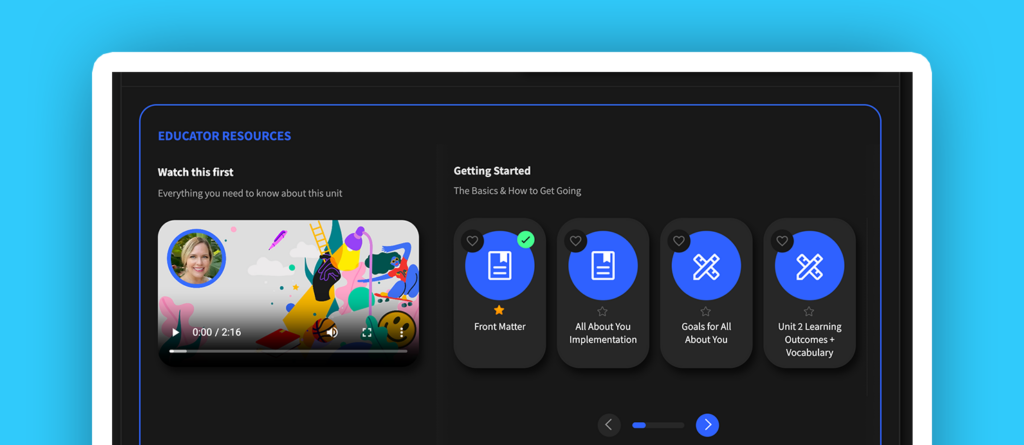
We’ve added more badges, available to Future Ready Educators, to assist them in planning and implementing the Find Your Grind learning experience in their classroom. As part of this release, educators can now earn their own stars on these badges as well!
May 31, 2023
Student Mode for Teachers
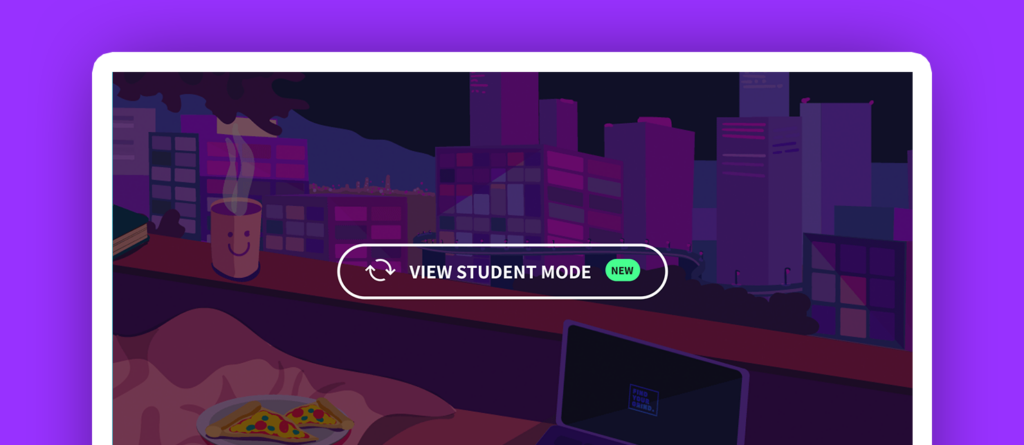
Teachers can now experience Find Your Grind exactly like their students do, increasing confidence and implementation in their classes!
Read about the ‘why’ behind this feature release.
April 27, 2023
Search!
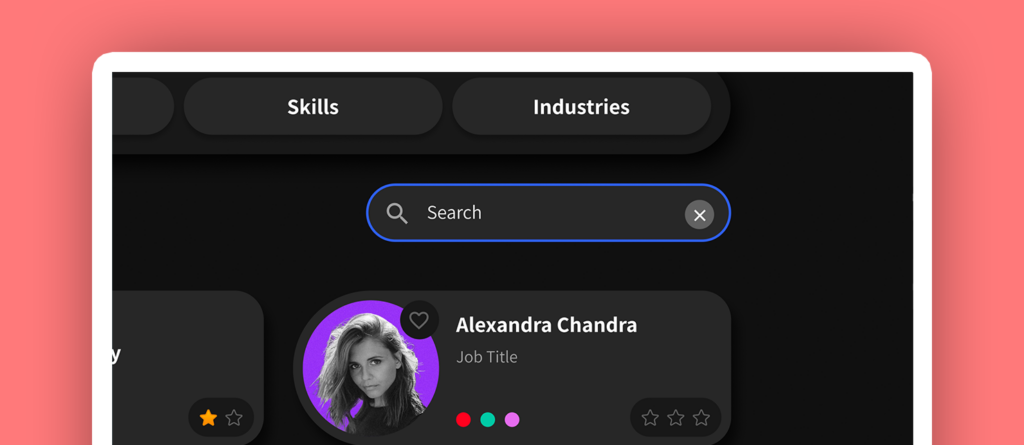
Students and teachers can now search for careers, mentors, and skills that they are curious about.
Read about the ‘why’ behind this feature release
April 20, 2023
Educators Giving Feedback to Students
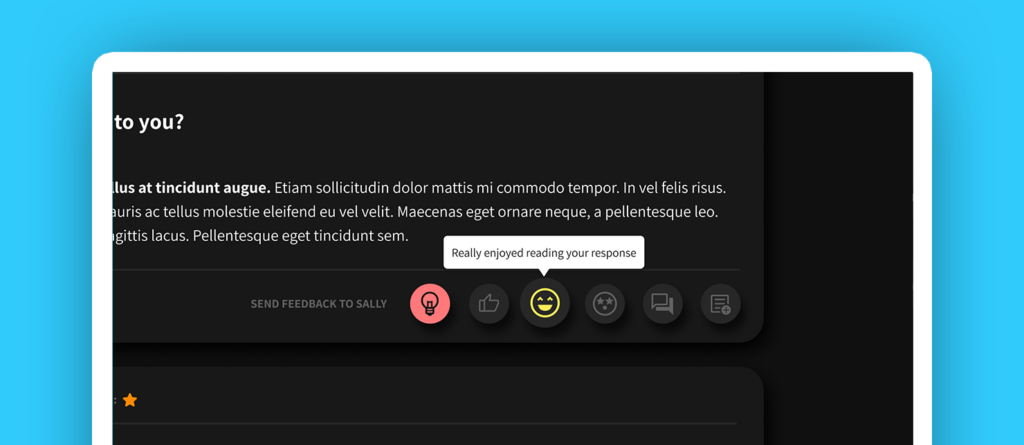
Teachers can now respond to student responses using any of six predefined icons to give feedback and make the student learning experience more meaningful and impactful!
March 24, 2023
Moving Students Between Classes
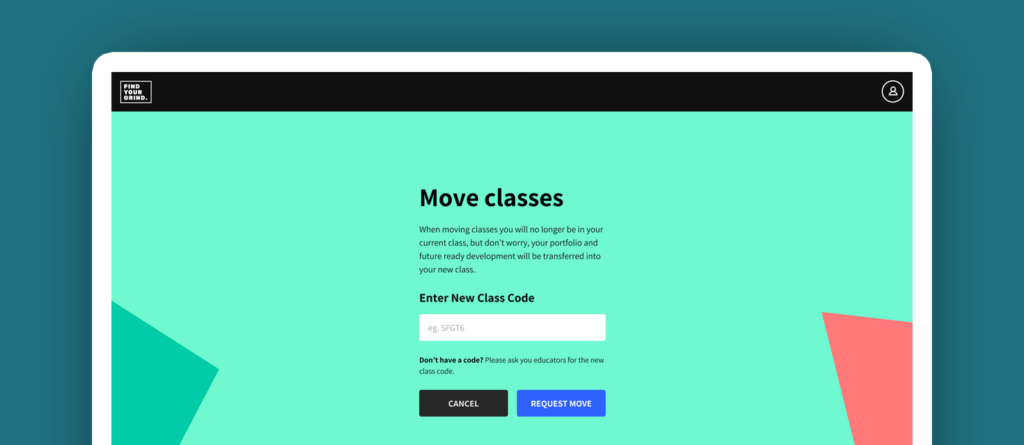
The student learning experience with Find Your Grind can easily occur over multiple grading periods and years, which is why we now support moving students from one class to another, within the same school. Admins can move students or students can move themselves, all with the click of a button!